Ads to your website
Tracked links preserve source, campaign and available ad IDs when the customer submits their project. The CRM retains that source as quotes and jobs are linked.
A customer wants to know what their fence could look like, what it might cost, and what happens next. YourFenceCEO turns those questions into a project your team can act on.
Your company’s website shows its own photos, logo, phone number and fence options. The customer opens the Google Maps estimator, finds their property, draws fence runs and adds gates.
Products, heights, finishes and your configured prices produce an immediate planning range. It gives customers a clearer starting point before a site visit; the final scope and price still need your team’s review.
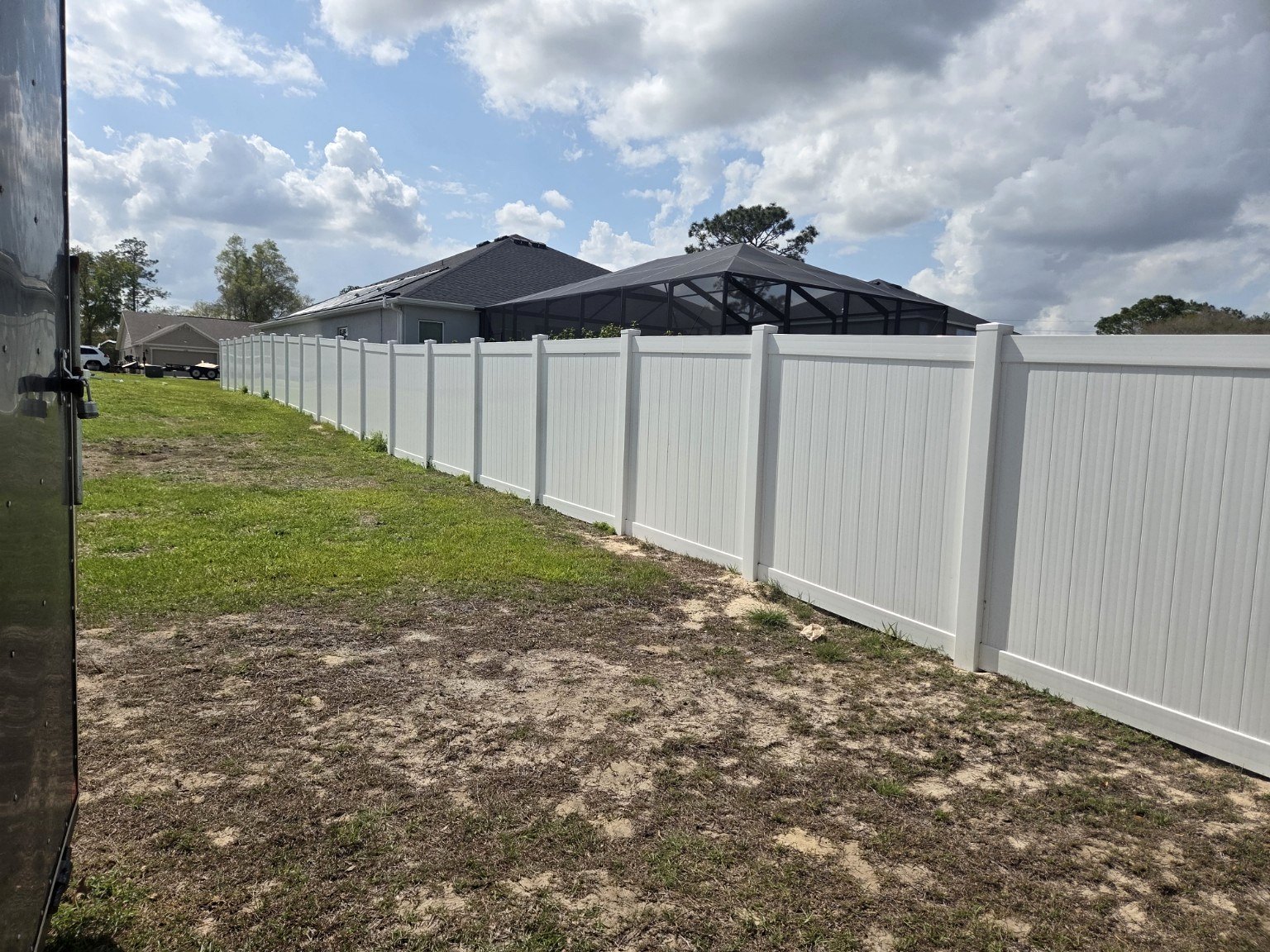

The intake carries contact details, address, footage, material selections, gates and the drawn layout into a company customer record. Sales can follow up with context instead of asking the homeowner to start again.
The customer record links to quotes, contracts and jobs. Quote status keeps the follow-up queue current. A sold job carries the customer relationship forward into crews, materials and job costs.
Save the project details and original lead source.
Review the layout, contact the customer, confirm scope and prepare the quote.
Connect the signed contract to a job, work orders and project records.
Tracked links preserve source, campaign and available ad IDs when the customer submits their project. The CRM retains that source as quotes and jobs are linked.
Tagged Page links are separate from paid ads. Connected Meta webhooks can bring Messenger inquiries and lead forms into the CRM, with provider IDs to avoid duplicate imports.
Compare recorded campaign spend with leads, wins and booked job sales. See cost per lead, close rate and ROAS. Profit ROI requires confirmed job costs; booked sales are separate from collected payments.
A Facebook visit alone does not prove which ad someone saw. Tagged links and available provider identifiers improve attribution; untagged visits and cross-device browsing leave gaps. Meta access requires the company’s authorization and applicable approval.
Customer records also support future follow-up and remarketing audiences when you have the appropriate consent and connected services. Saving a lead does not automatically send a message or enroll someone in advertising.
Private project links show the customer’s quote status, contracts, appointments, job status and invoice records. Customers get a simple view of their own project.
Review CRM activity, jobs, accounting records, materials, crew punches and campaign results. Provision staff with individual company accounts and selected roles.
Work with leads, quotes, contracts, customer conversations and follow-up. Role checks control access to company data and actions.
Clock in, start and end lunch, and clock out from a phone. GPS is saved at a punch. Managers can review crew locations and time; this is not continuous location tracking.
Type a message or use speech input where the browser supports it. Connected Google Translation helps staff and customers understand each other. Transcript saving is optional.
Work orders, tasks, job files, forms, subcontractor records, material orders and job costing support installation. Balanced ledger entries, invoices, bills and reconciliation provide accounting groundwork.
External services use each company’s own connection. Translation, social publishing, email delivery and bank feeds have separate setup requirements. Native queues and recorded payments do not automatically send messages, charge cards or connect a bank.
Try a branded estimator demo, then apply for Founding 200. Your company brings its photos, rates, people and accounts; the shared Core supplies the workflow.
Build my company demo →Already have a website? We can import your existing site and connect it to YourFenceCEO—or build you a new site from scratch. Bring your domain, brand and photos. We review the current setup with you and plan the move before changing your live site.
Talk through your website →